Get YouTube BPM from a Link
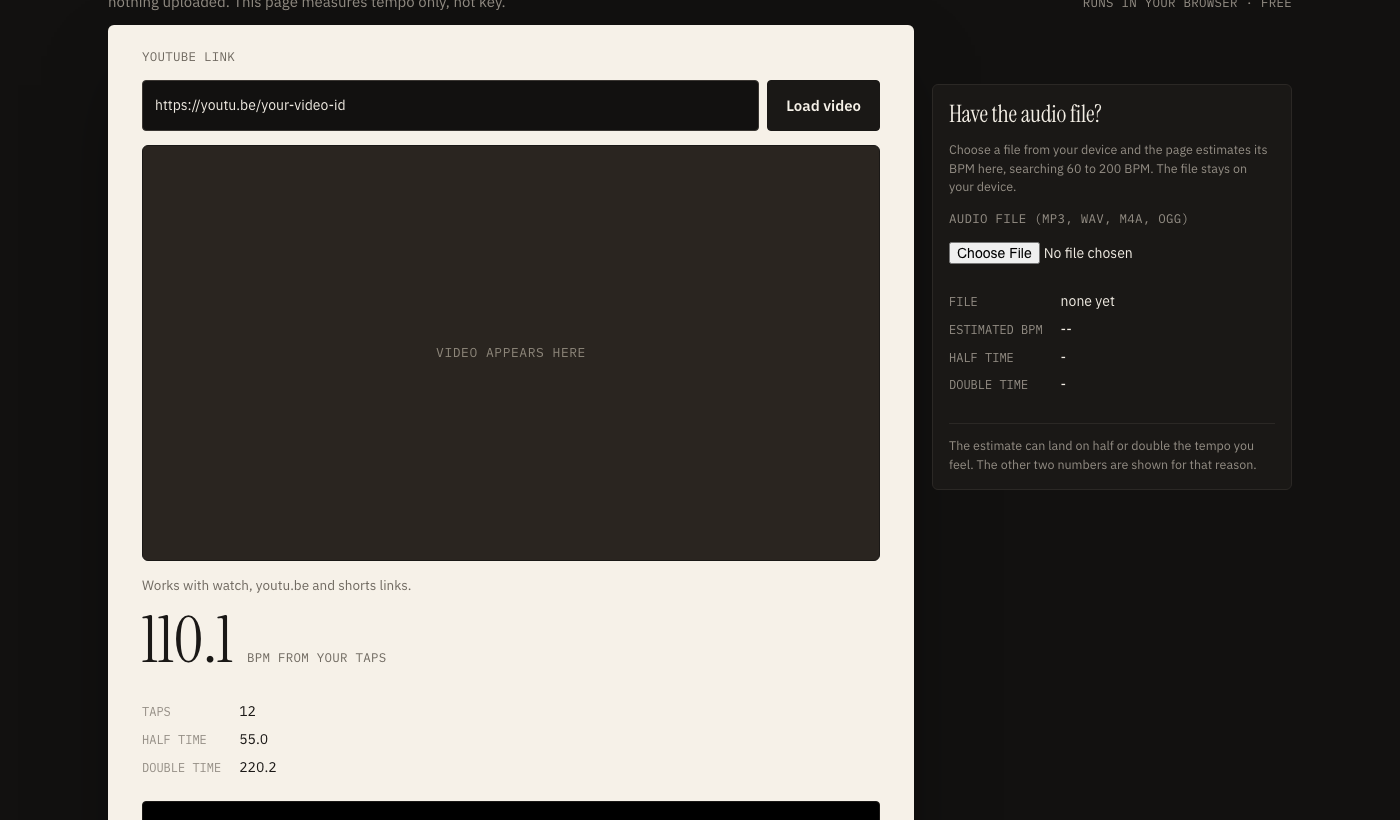
Paste a YouTube link to get the BPM of a song. The video plays in YouTube's own embedded player, you tap along on the beat, and the page works out the tempo from your taps. If you have the audio file itself, upload it and the page estimates the BPM in your browser. Free, no sign-up, nothing uploaded. This page measures tempo only, not key.
runs in your browser · free
Works with watch, youtu.be and shorts links.
- Taps
- 0
- Half time
- -
- Double time
- -
Press Tap (or Space) on every beat.
BPM finder online: paste, play, tap
Three steps, and no audio leaves YouTube's player.
- Paste a YouTube link and press Load video. The page recognises watch, youtu.be and shorts links.
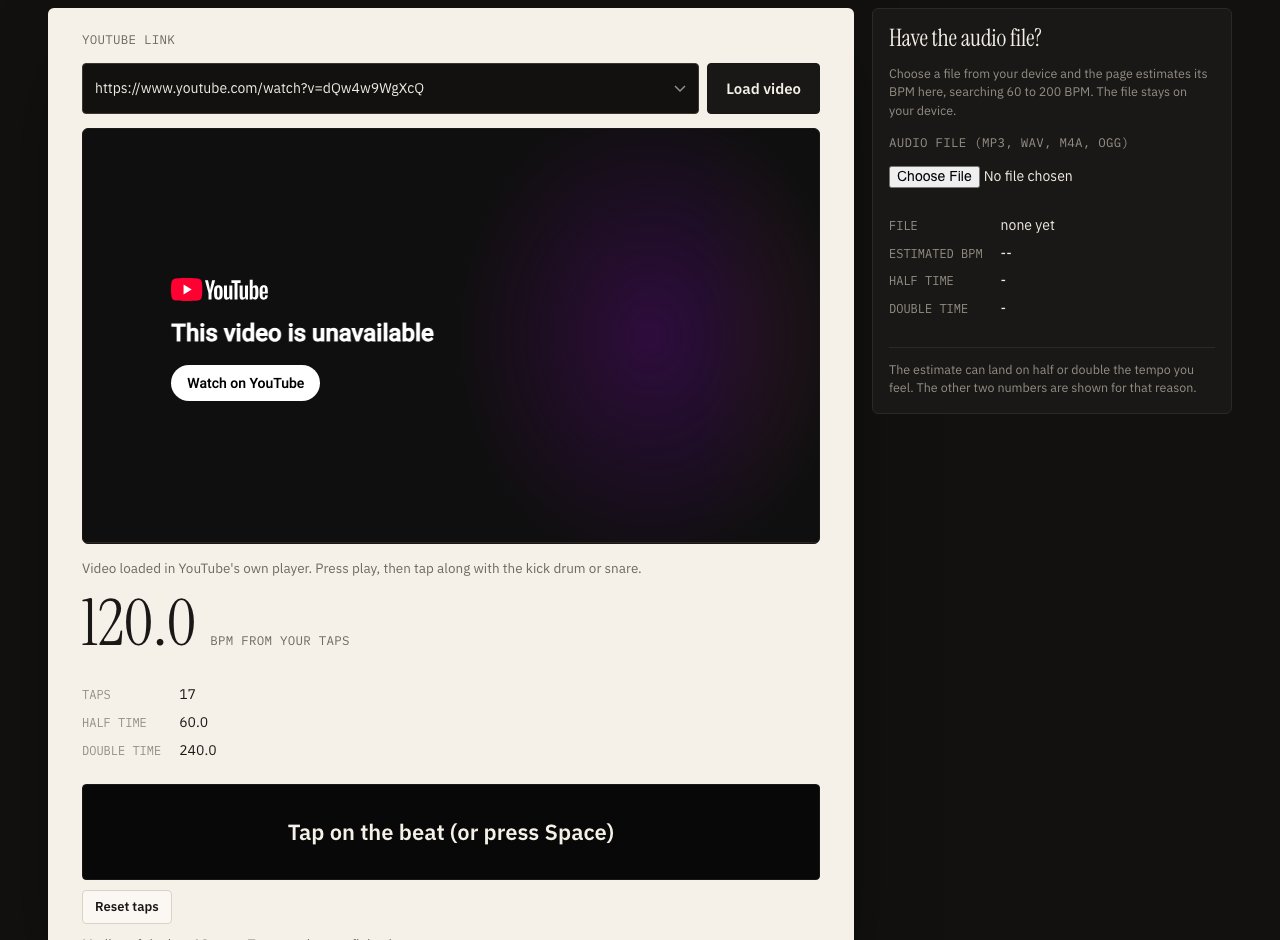
- Press play in the embedded player and listen for the kick drum or snare, the sounds that mark the beat.
- Tap the big button, or press the Space bar, on every beat. The big number is the median of your most recent tap gaps, shown as beats per minute.
Why tapping, and not a link reader?
Some sites claim to read the tempo straight from a YouTube address. To do that they have to download or capture the audio, which YouTube's terms of service do not allow, so this page does not. Instead it embeds the official player, which keeps everything within the rules, and uses your ear as the sensor.
Tap tempo: how to tap more steadily
Small habits make the reading noticeably steadier.
- Tap at least 8 to 16 beats. A handful of taps gives a rough number. Sixteen or more lets the median settle.
- Follow the kick or snare. The bass drum usually lands on the main beats and the snare on the backbeat, so they are easier to follow than vocals or pads.
- Start after the intro. Sparse openings, risers and tempo changes make taps scatter. Wait until the drums or main groove are in.
Latency and the embedded player
Your taps are timed by the browser, and the video reaches your ears with some delay of its own, especially on Bluetooth earbuds. That delay shifts every tap by about the same amount, so it does not change the gaps between taps, and the tempo is still read from the gaps. If you want to know how late your earbuds play sound, try the audio delay test.
Key and BPM finder YouTube link: what this page does and does not do
Tempo is covered. Key needs a different tool.
Searches for a key and BPM finder for a YouTube link usually want two numbers at once. This page gives you one of them: the tempo. It does not detect the musical key, and it does not guess one. Working out a key means analysing which pitches are present across the whole song, which needs a dedicated pitch analysis tool and the audio itself.
If you need the key as well, try YouTube to key and BPM, which estimates key, Camelot code and BPM from an audio file you may use, or use a separate key detection tool on a file you have the right to use, or work it out on an instrument by ear.
What you can do with a BPM
- Match the speed of two tracks when mixing or DJing.
- Set a metronome or a project tempo before you record along with a song.
- Time a voice over against music; the voice over generator gives per-line timings you can fit between beats.
Half time, double time and the automatic estimate
The same song can honestly be counted two ways.
Tempo is a matter of which pulse you count. A slow ballad with a hi-hat playing eighth notes may feel like 70 beats a minute to one listener and 140 to another. Both are reasonable, and neither is a mistake. That is why the page shows the half and double values beside every result.
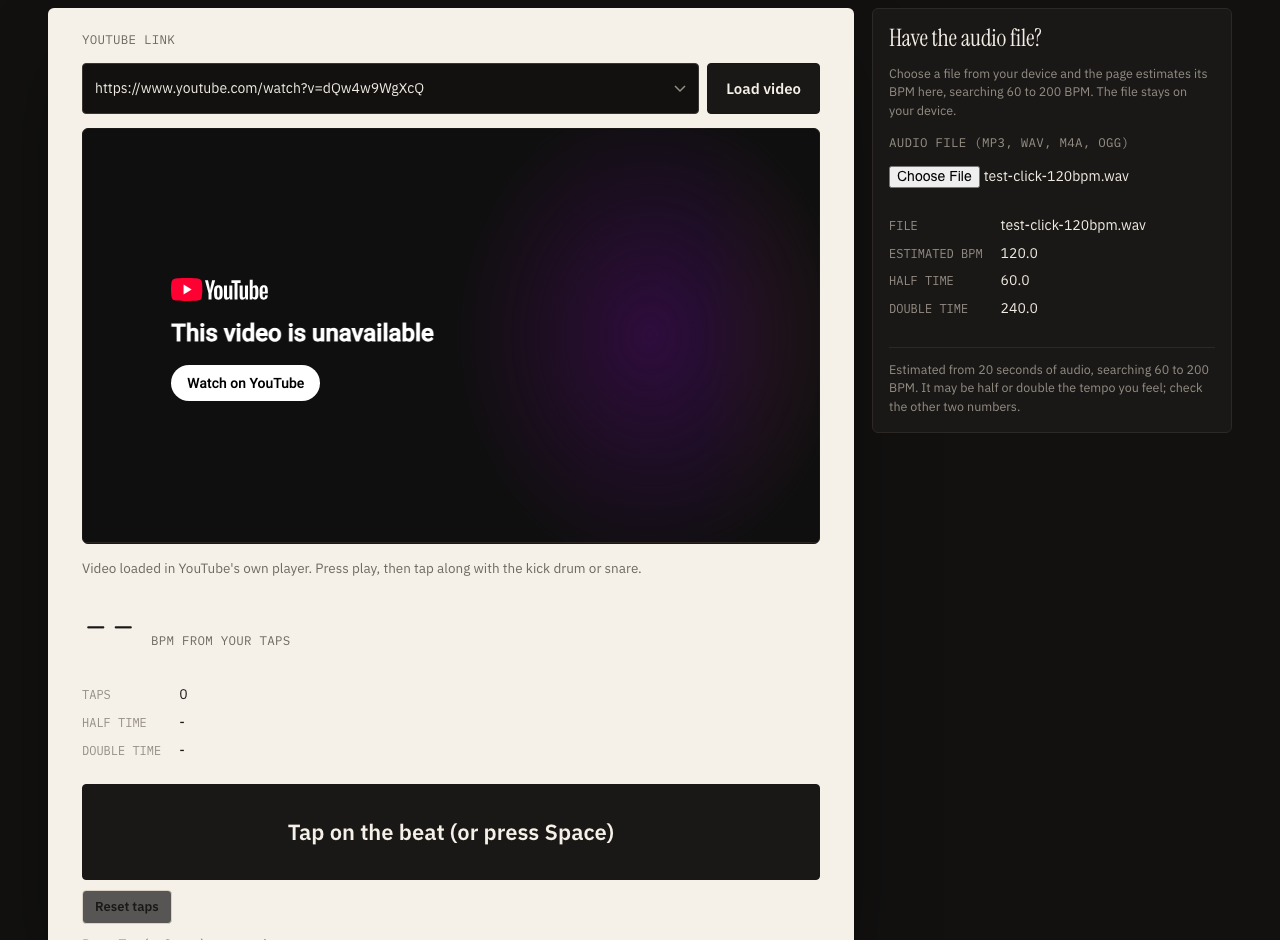
The upload estimate works like this. The page decodes the file in your browser, mixes it down to mono, measures how the loudness changes over short windows, picks out the sudden rises that mark drum hits and other onsets, and then looks for the spacing at which those onsets repeat. It searches only between 60 and 200 BPM and gives a mild preference to the middle of that range, so a very slow or very fast song may be reported at half or double its tempo.
When the estimate is less useful
- Music with no clear pulse, such as ambient pieces and free-time playing.
- Songs with large tempo changes, where one number cannot describe the whole track.
- Swing and shuffle feels, where the strongest spacing may be a triplet rather than a beat.
For any of these, tap along on a section you trust and compare the two numbers.
Typical BPM ranges by genre
Rough ranges, for orientation only. Individual songs often sit outside them.
| Style | Typically |
|---|---|
| Hip hop and boom bap | 80 to 100 BPM |
| Reggae | 60 to 90 BPM |
| Pop | 100 to 130 BPM |
| House | 118 to 130 BPM |
| Techno | 125 to 150 BPM |
| Rock | 100 to 140 BPM |
| Drum and bass | 160 to 180 BPM |
Use these as a sanity check. If your tap reading for a house track comes out at 62, the song is probably counted at half time, and doubling it gives 124, which sits in the usual house range. The same idea works the other way round for a slow hip hop beat that shows as 170.
What is and is not stored
The YouTube link is used only to build the address of the embedded player in your own browser. It is not sent to this site. Your taps are timed in the page and are not stored, and an uploaded file is decoded in memory only.
Related audio tools
Making a video to a beat? Record the narration with the voice over generator, check your headphones with the audio delay test, or pull the audio from your own video with video to audio. Need sound effects? Try the car engine sound generator.
Get YouTube BPM: questions
How do I get the BPM of a YouTube video?
Paste the YouTube link into this page, press play in the embedded player, and tap the Tap button or the Space bar on every beat. After 16 or more taps the page shows the median tempo of your recent taps as beats per minute.
Why does this page not read the audio from the YouTube link automatically?
Downloading or scraping audio from YouTube is against YouTube's terms of service, so this page does not do it. The video plays in YouTube's own embedded player and you tap along. If you own the audio file, upload it and the page estimates the BPM locally.
Can it find the key of a song as well?
No. This page measures tempo only. Finding a key needs a separate tool that analyses pitch content, and it is not a feature here.
Why is the BPM half or double what I expected?
Tempo can be felt at different levels, so a song at 70 BPM can feel like 140 and the other way round. The page always shows the half and double values next to the main number so you can pick the one that matches how you count.
Is the file I upload sent to a server?
No. The file is decoded and analysed in your browser with the Web Audio API. Nothing is uploaded and the page does not use your text to speech allowance.
How reliable is the automatic estimate?
Treat it as an estimate. It works best on music with a clear repeating pulse, and it can be off on rubato playing, tempo changes or very sparse intros. Compare it with a short tap session.