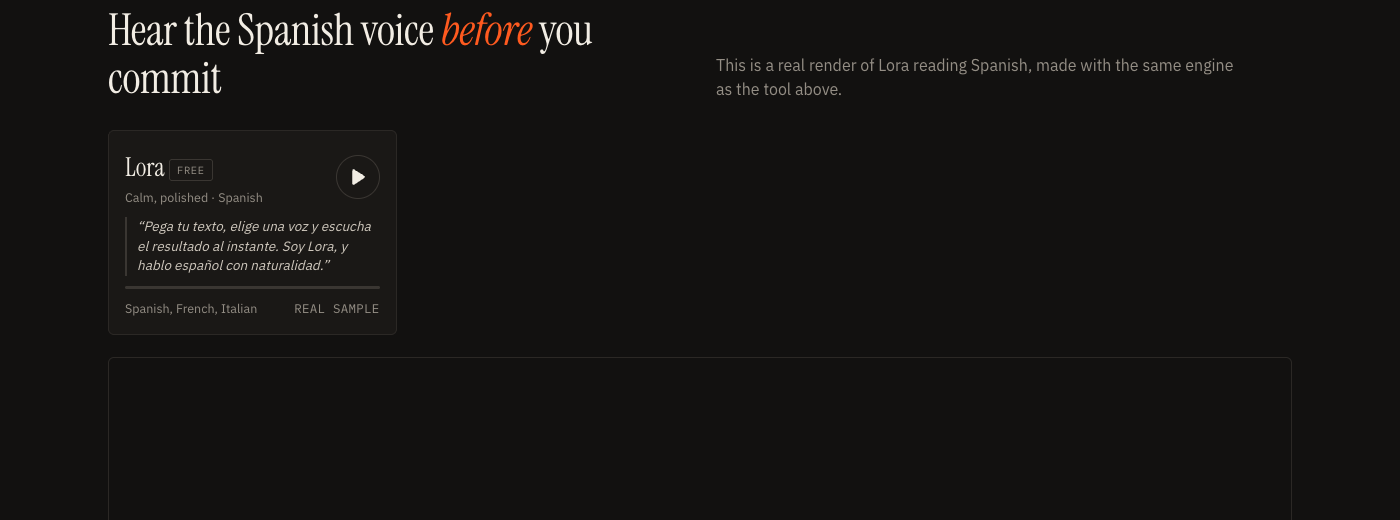
Lora free
Calm, polished · Spanish
“Pega tu texto, elige una voz y escucha el resultado al instante. Soy Lora, y hablo español con naturalidad.”
Spanish, French, Italianreal sample
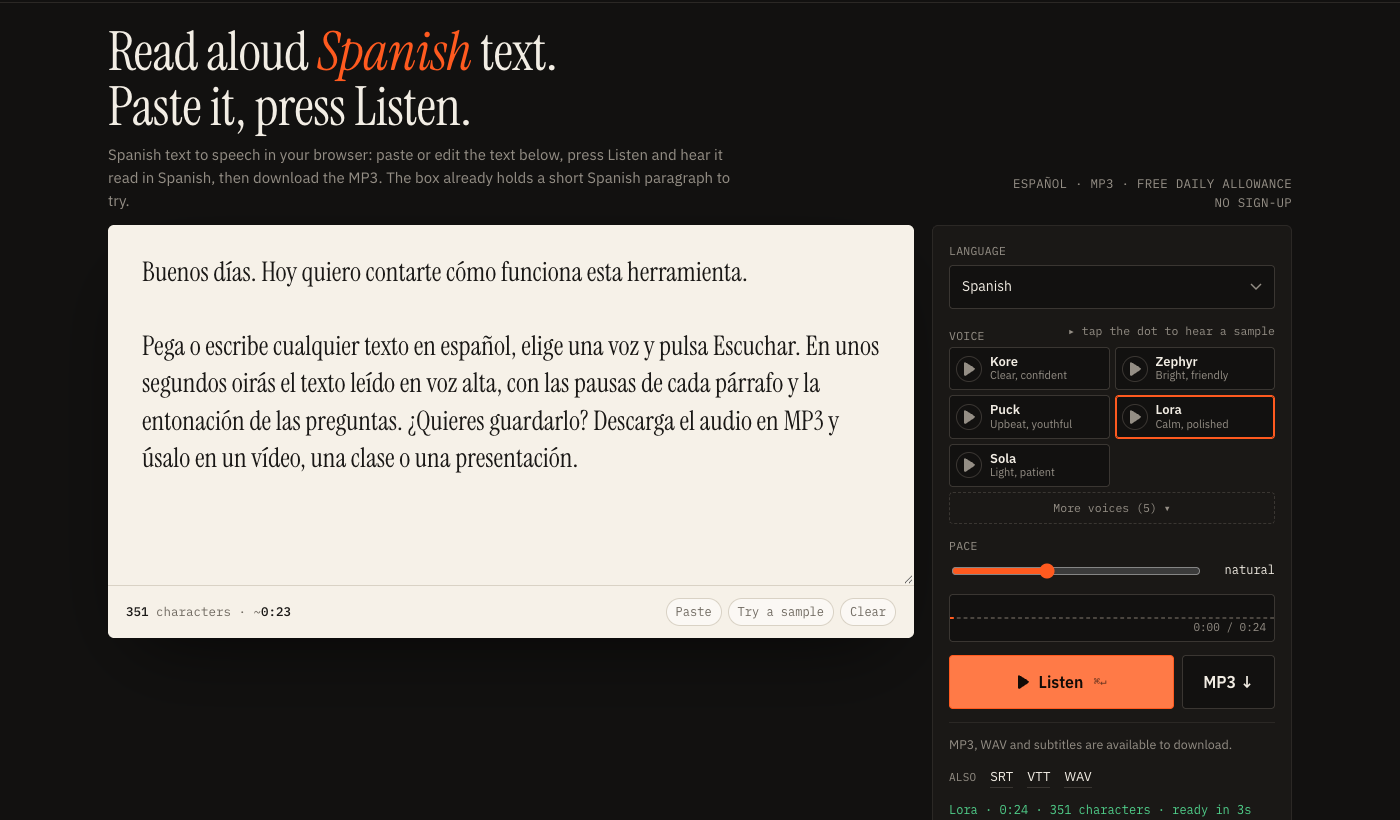
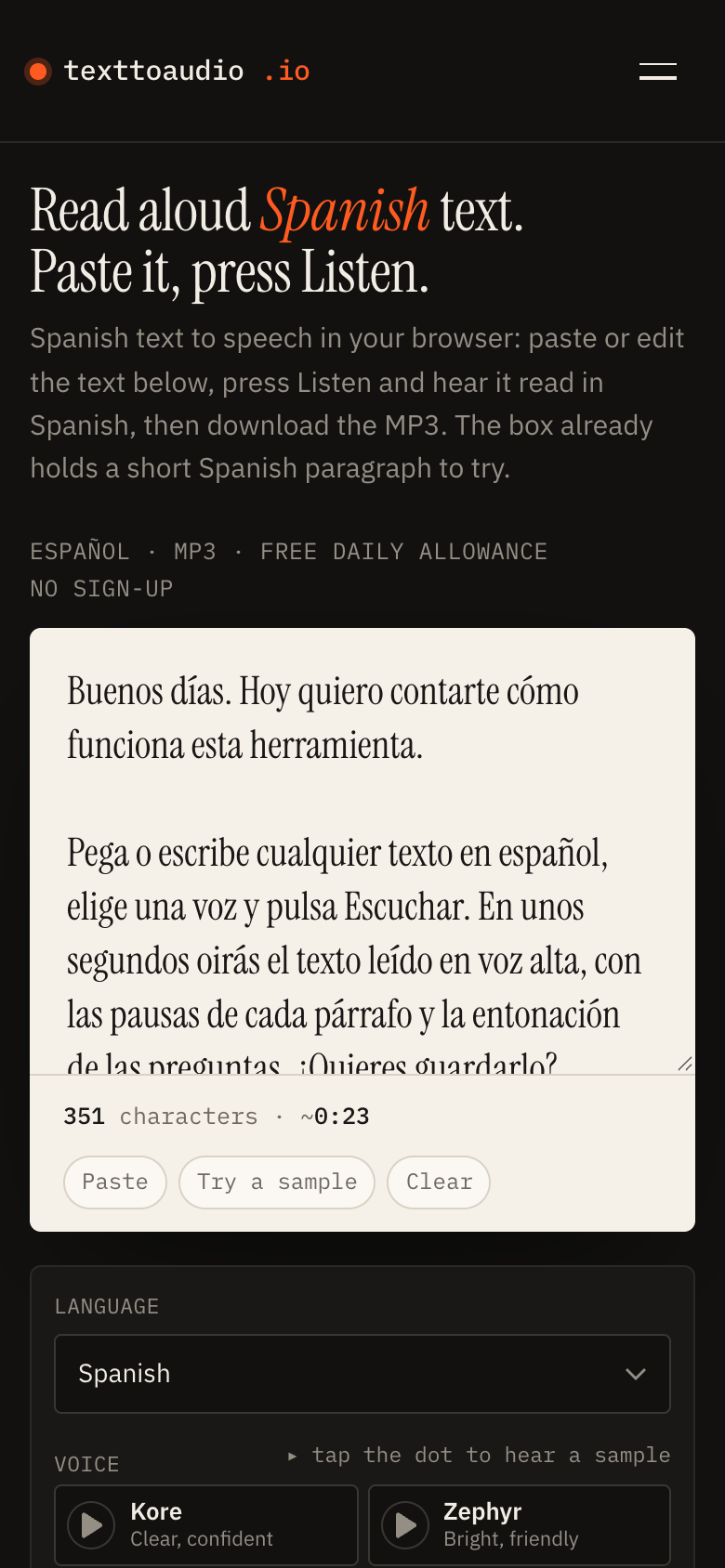
Spanish text to speech in your browser: paste or edit the text below, press Listen and hear it read in Spanish, then download the MP3. The box already holds a short Spanish paragraph to try.
The language menu and the Lora voice are already set to Spanish. Change either if you need to.
An article, a school reading, an email, a script for a video. Accents, ñ and the marks ¿ and ¡ are kept exactly as typed.
The text is read aloud in Spanish. Change the voice, the language variant or the pace and press Listen again until it sounds right.
Keep the audio for a video, a lesson or a podcast. SRT and VTT subtitle files come from the same render.
This is a real render of Lora reading Spanish, made with the same engine as the tool above.
“Pega tu texto, elige una voz y escucha el resultado al instante. Soy Lora, y hablo español con naturalidad.”
People who need to read aloud Spanish text are usually in one of a few situations, and the tool is built for each of them.
Listening while you read is one of the quickest ways to connect spelling to sound. Paste a short reading, slow the pace to 0.8 and follow along. Teachers can make an MP3 of a vocabulary list or a dialogue for students to play at home, which is easier than recording a new file for every class.
Your ears catch what your eyes forgive. A sentence with a missing word, a doubled word or a clumsy agreement sounds wrong when it is read aloud. If you write in Spanish as a second language, listening to a draft before you send it is a cheap way to catch the errors that spell check misses.
If you make explainers, tutorials or product videos for a Spanish-speaking audience, you can draft the narration here, listen, adjust the words, and download the track. For narration timed to scenes, the voice over generator splits your script line by line and exports subtitles.
Long articles are easier to follow on a walk. Paste the text, press Listen and carry on with your day. Download the MP3 if you want to play it later with the screen off.
The voices are synthetic and are not clones of real people. All ten accept Spanish text. Accent quality is not guaranteed to be identical across them, and the Mexican setting is an instruction to the voice rather than a separate recorded voice, so treat the first listen as a test.
Text is sent to our speech provider to render the audio and is not stored by us. The details are in the privacy policy.
The free plan reads 1,000 characters a day, which is a paragraph or two. For more, see the plans. To work out how long a Spanish script will run before you generate it, try the speech time calculator and enter your own words-per-minute figure.
Yes. Paste Spanish text from an email, a web page, a school reading, a document or your own draft, and the tool reads it in Spanish. Copy the text out of a PDF first; the tool does not open PDF files.
The language menu has Spanish, for a neutral reading, and Spanish (Mexico), which asks the voice for a Mexican accent. There are no further regional options. Press Listen and judge the accent by ear before you download.
Lora is the voice we use for the Spanish sample on the voices page, and it is on the free plan, so it is selected for you on this page. All ten voices accept Spanish text, but we have not rated them for accent, so compare two or three on a short paragraph.
Yes, within the daily allowance. The free plan reads 1,000 characters a day with the five standard voices, MP3 download included and no sign-up. Free audio is for personal and non-monetised use. Paid plans add studio voices, longer renders and commercial use.
One render on a paid plan takes up to 30,000 characters. The text is split into lines at sentence breaks, rendered in parallel and joined into one track in your browser. The free plan is limited by its daily allowance.
Yes. The text is sent as ordinary Unicode, so á, é, í, ó, ú, ü, ñ, ¿ and ¡ are kept. The opening marks help the voice choose the right intonation, so leave them in.
Yes. The Pace slider asks the voice to read slower or faster, from 0.7 to 1.5. Slower is helpful for language learners; faster is useful for skimming your own draft.